Is Your Business Really Protected?
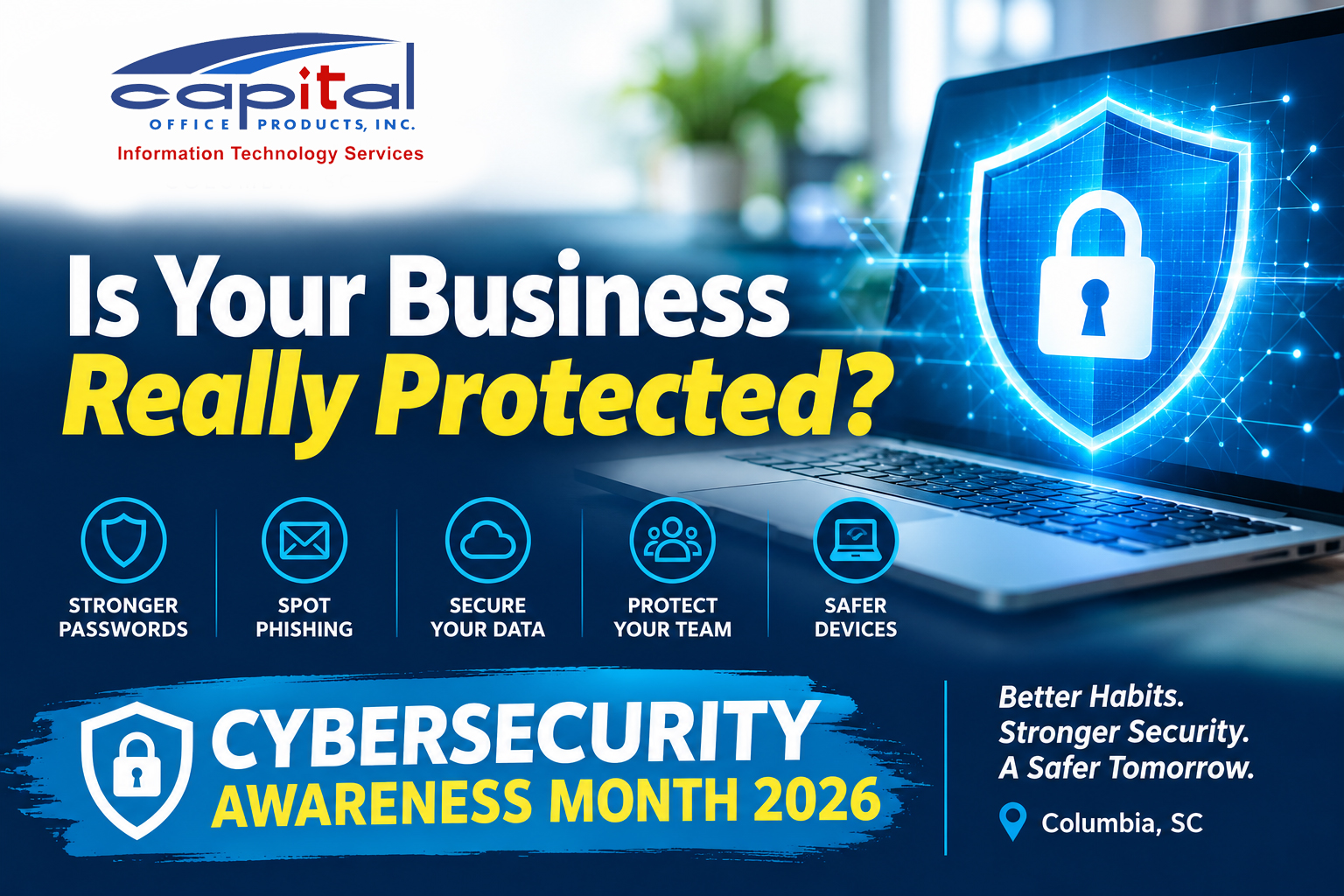
October is Cybersecurity Awareness Month, but protecting your business should be a year-round conversation.
When was the last time you sat down with your IT provider and asked, "Are we really covered?"
For many small and midsize businesses, technology is something we don't think much about until something stops working. Emails are flowing, computers are running, and everyone can access their files. Everything must be fine, right?
Not necessarily.
At Capital Office Products, we believe business owners should feel confident about their technology without needing to understand every technical detail.
Here are five questions worth asking whoever manages your IT.
1. Are Our Data Backups Actually Working?
Most businesses assume their information is being backed up. But when was the last time someone tested whether those files could actually be restored?
A backup is only helpful if it works when you need it.
Ask your IT provider: How often are our backups checked, and when was the last successful recovery test?
2. Are Our Employees Protected Against Email Threats?
One convincing email can create a major headache for a business. Phishing attempts are increasingly sophisticated, and even careful employees can make mistakes.
Spam filtering, employee awareness, and multifactor authentication all play important roles in reducing risk.
Ask your IT provider: What protections do we have against phishing emails and unauthorized account access?
3. Are Our Computers and Software Being Updated?
Outdated software can create security vulnerabilities that attackers exploit.
Your business may have antivirus protection, but that is only one piece of the puzzle. Operating systems, applications, and network equipment also need attention.
Ask your IT provider: Are our devices being monitored and updated regularly, and how do we know when something needs attention?
4. Who Has Access to Our Business Information?
Employees change roles, new team members join, and others leave the company. Over time, access permissions can become outdated.
Not everyone needs access to every file, application, or system.
Ask your IT provider: How are employee permissions managed, and what happens to someone's access when they leave our company?
5. What Happens If We Have a Cybersecurity Incident?
This may be the most important question of all.
If your company experiences ransomware, a compromised email account, or a significant network outage, who do you call? What happens first? How quickly can your team respond?
Having a response plan before an incident occurs can make a tremendous difference.
Ask your IT provider: Do we have a documented incident response plan, and does our team know what to do?
A Good IT Partnership Starts With Good Questions
You don't need to be a technology expert to ask these questions. And you shouldn't have to be one to get understandable answers.
Whether your business has an internal IT employee, works with a managed IT services provider, or relies on outside support, these conversations are worth having.
At Capital Office Products, we've spent 30 years helping South Carolina businesses work smarter. Our managed IT services are built around relationships, proactive support, and understanding what each business needs.
We believe your IT provider should be more than someone you call when something breaks.
Ready for a Cybersecurity Checkup?
We've created a simple, printable cybersecurity checklist to help you start the conversation with your IT team.
And if you're unsure about your current IT protection, our team at Capital Office Products would be happy to discuss your concerns.
Get Answers About Your IT Protection
Learn more about our Managed IT Services or call 803-407-4321 to start a conversation.
Learn More About Our Managed IT Services